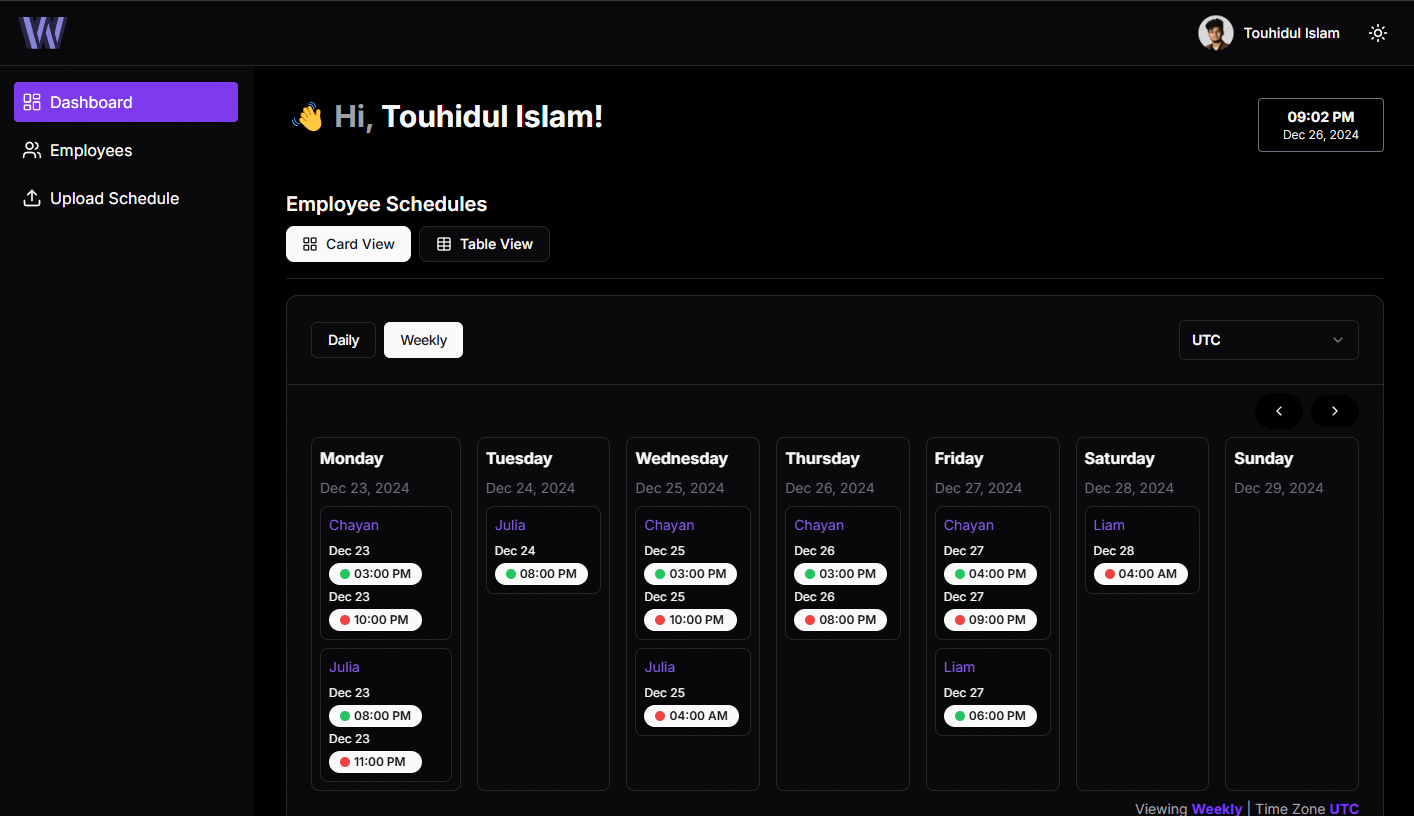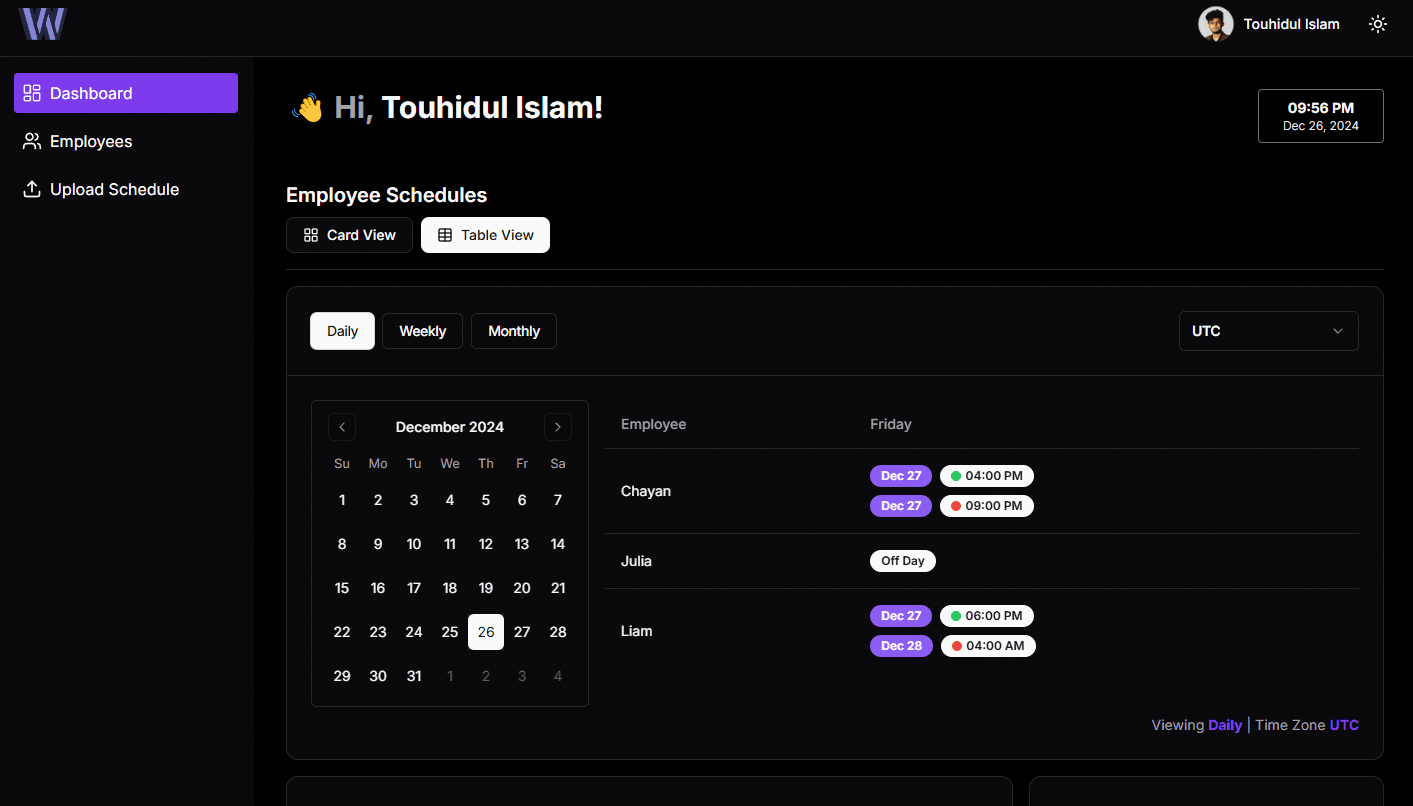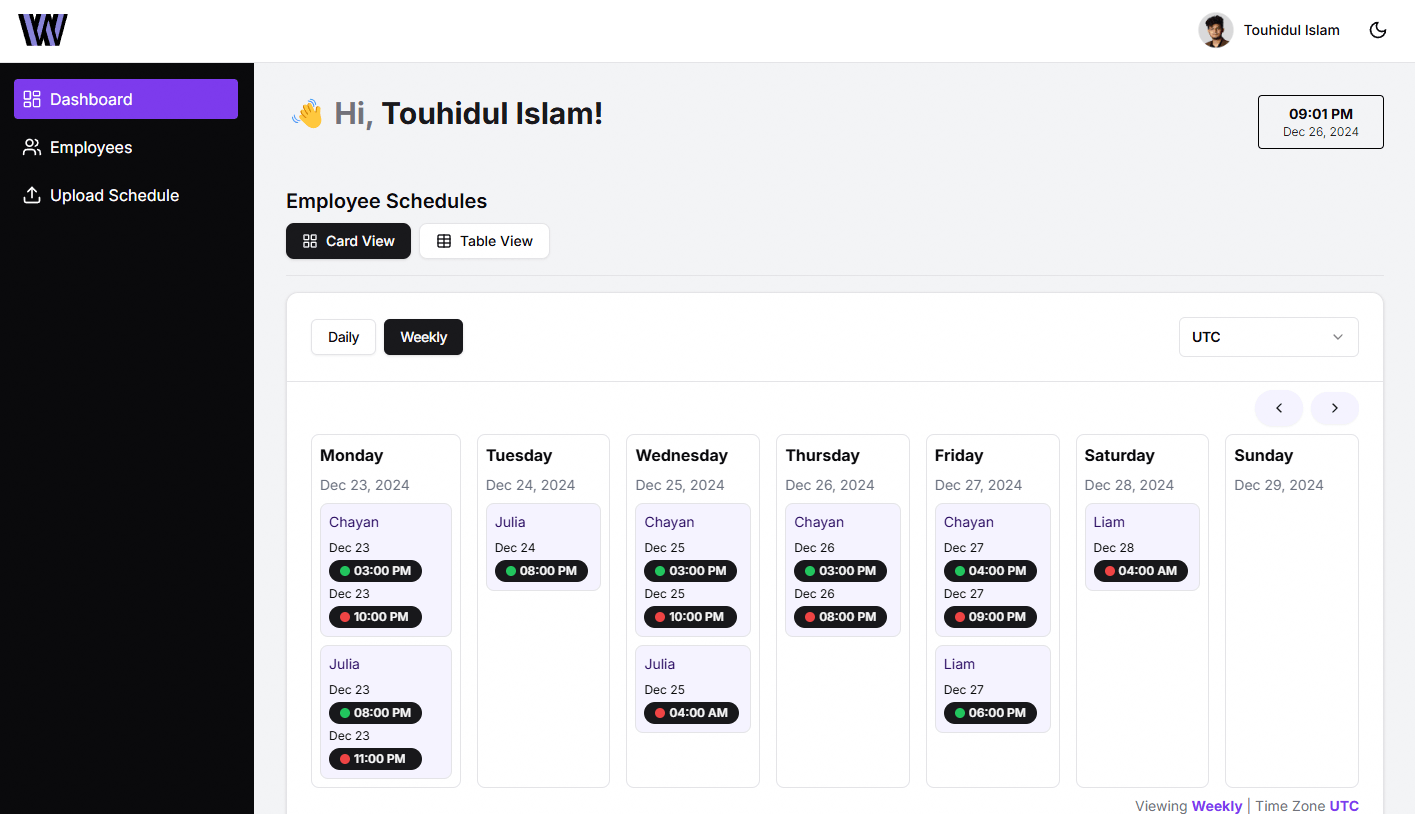
Everyone's Hours On One Screen
Your team's working hours, converted into the timezone you are reading from. No mental arithmetic, no spreadsheet of offsets.
Know Before You Send
See that it is 2 AM for your developer before you message them. Their local time sits next to their name.
Know What The Week Costs
Wage totals across hourly, weekly and monthly rates, so a schedule change and its cost are the same conversation.
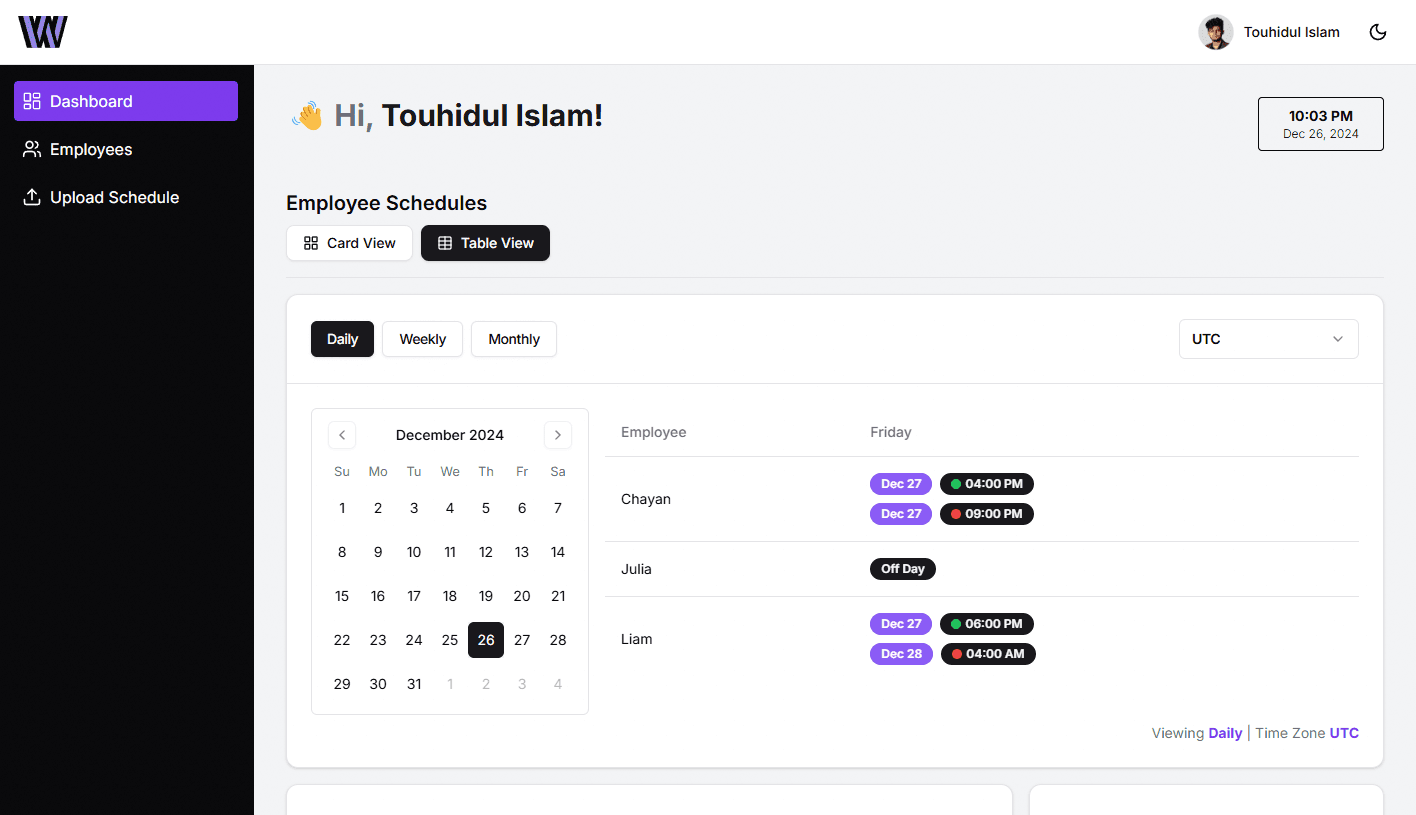
Built for agencies and founders with offshore contractors, not for enterprise HR.
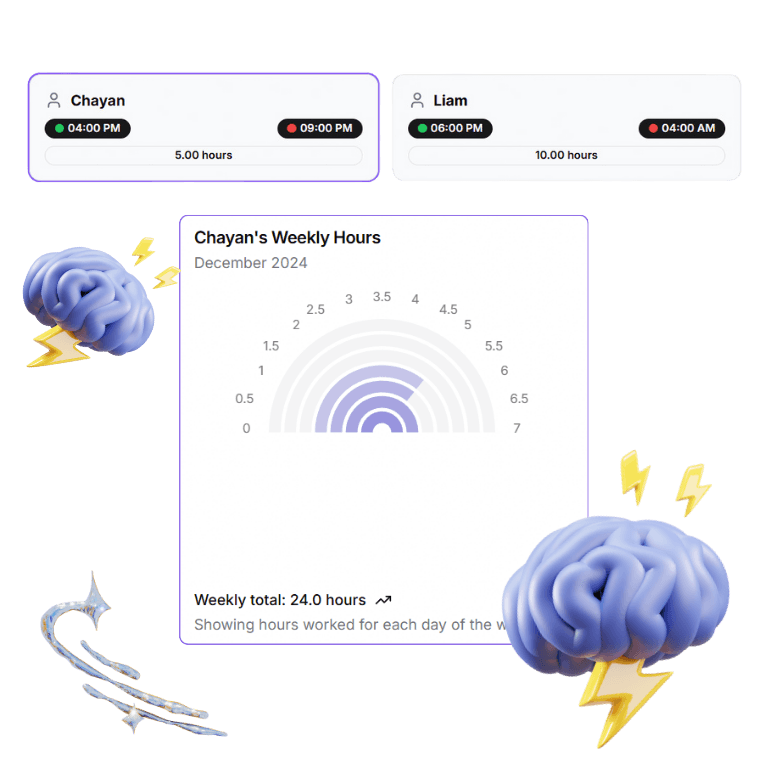
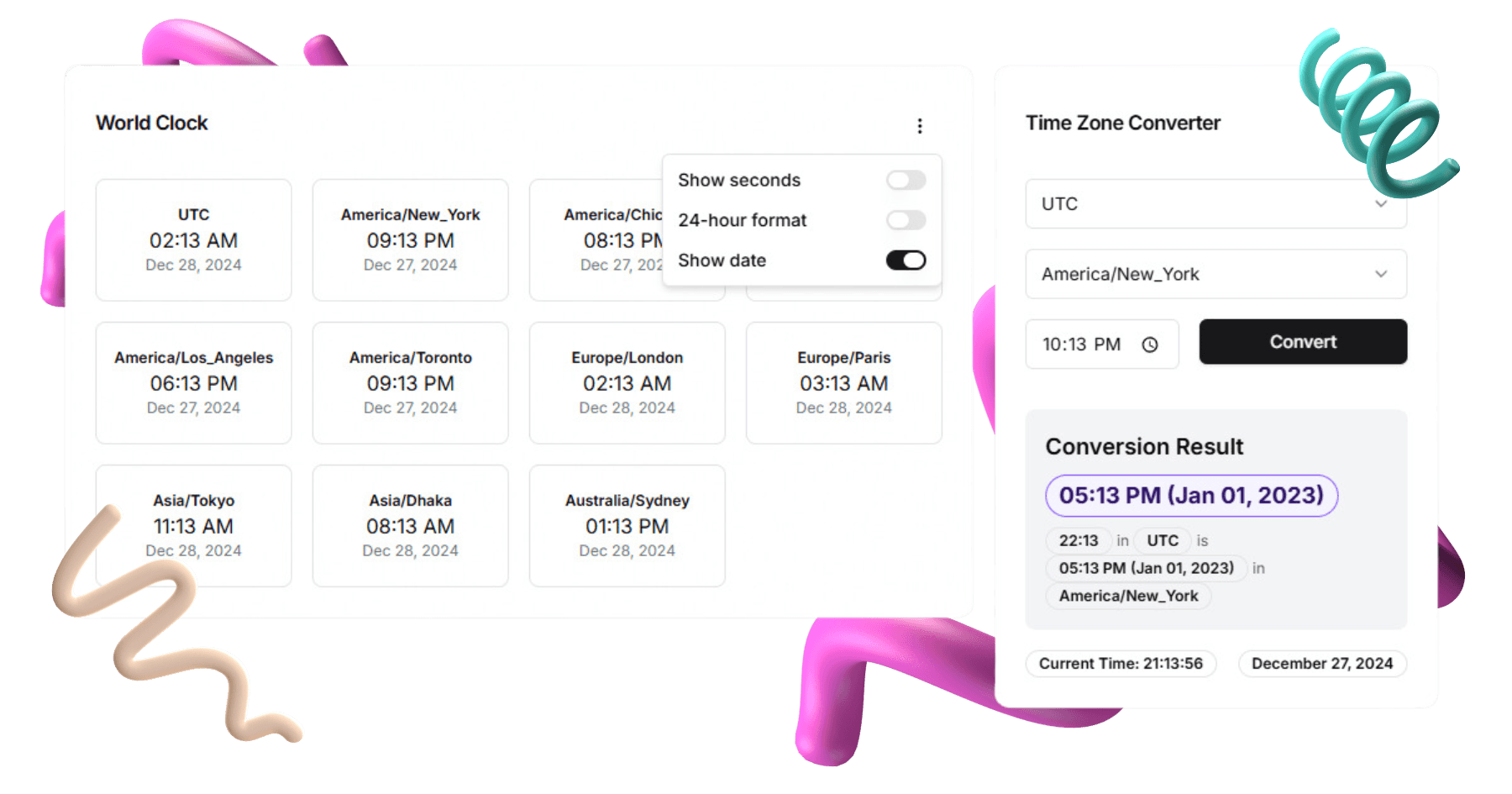
See your whole team's schedule converted into whichever timezone you are reading from — every IANA zone, daylight saving included. Charts total what those hours cost you.
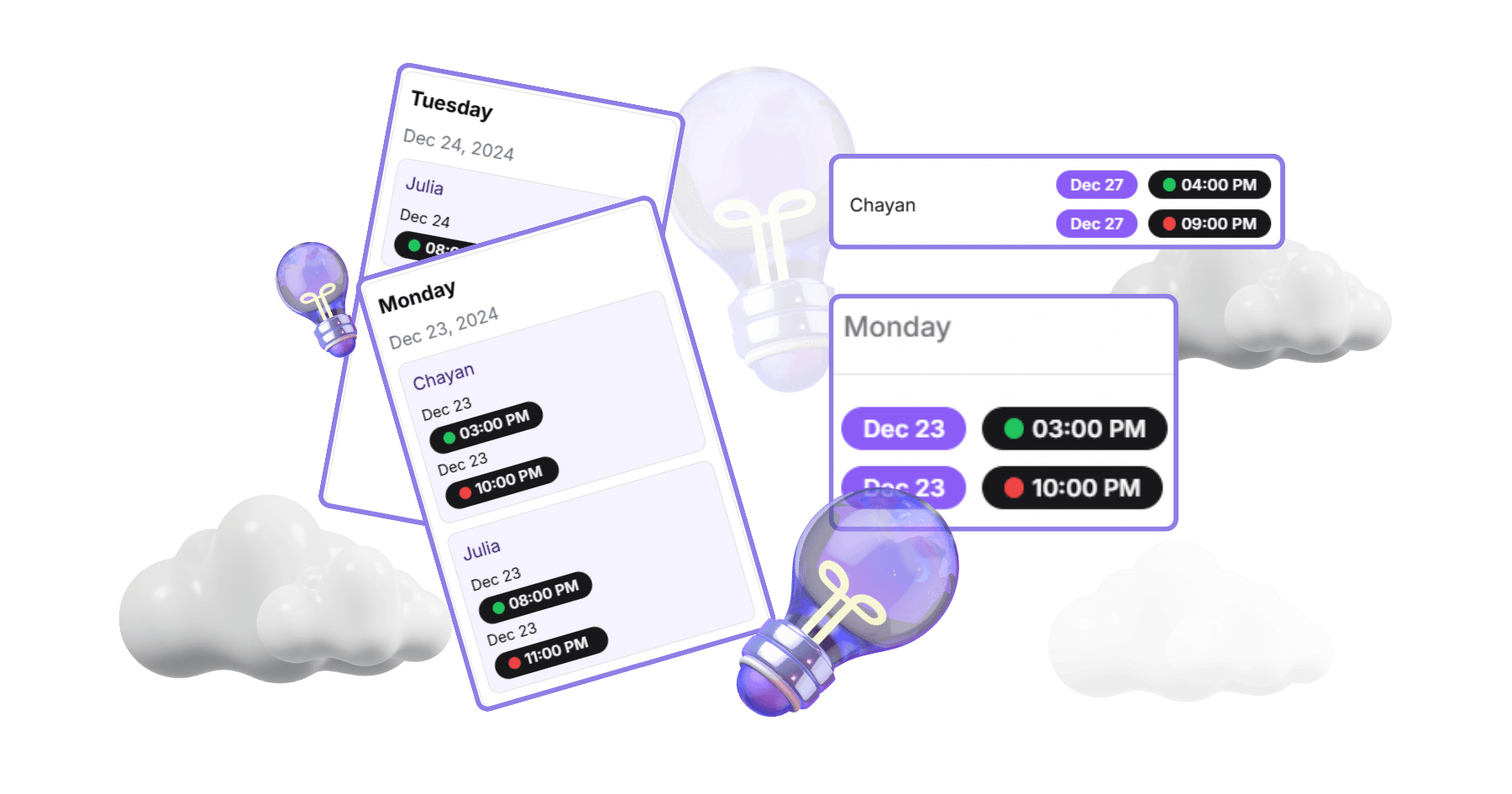
See who is working right now, wherever they are. Switch between card, calendar and table views to fit how you read a week.
Set a teammate's normal week once as a repeating pattern, then handle the real world on top of it: a one-off shift, a late start, a day off.
Whether it is two contractors or a full offshore studio, the problem is the same: their day and your day only touch for a couple of hours.
Two to fifteen offshore developers and designers, billed out to your own clients
Your people are in Dhaka, Manila and Kyiv on different contracts and different hours. You need one board that says who is online now, and what this week costs you, before you promise a client anything.
Your first contractors abroad, hired to stretch a short runway
You hired well and cheaply, and now half your day is spent working out whether it is a reasonable hour to ask a question. Set each person's hours once and read them in your own time.
Standups, handoffs and client calls that have to land inside a narrow window
The window where three countries are awake together is short and it moves with daylight saving. Keep everyone's real working hours in one place instead of in your head.
Contractors and part-timers who are tired of being pinged at midnight
Invite them by email and they get their schedule in their own timezone. Pricing is one flat price per workspace — you are never charged per person for adding them.
WhoWorksWhen is new and has no customers to quote yet. So here is the honest version: what makes offshore scheduling hard, and what the app actually does about it.
Dhaka runs six hours ahead of UTC; Toronto runs four behind it in summer. A 10-to-6 day in Dhaka has already finished by 8 AM your time. The window where you can both talk is an hour or two — and you have to find it again for every person you hire.
Part-time contractors, split shifts, a designer who is off on Fridays, a developer who moved two zones east. Then daylight saving shifts one side of the gap and not the other, twice a year, without warning anyone.
A message at 2 AM their time. A client call booked into a window where half the team is asleep. Hours you cannot reconstruct when it is time to invoice. The math is not hard — keeping it current in your head, for eight people, every day, is.
Name, role, pay rate and their own IANA timezone — not an offset that breaks at the next DST change.
Set the normal week once, then add the exceptions: a late start, a day off, a covered shift.
Everyone's hours on one screen, converted into whichever timezone you are reading from.
Invite teammates by email, control what each role can see, and total what the schedule costs you.
Never per seat. Your offshore teammates and your clients are always free.
Every new workspace gets 14 days of Pro without a card. When the trial ends it drops to Free — nothing is charged unless you choose a paid plan yourself.